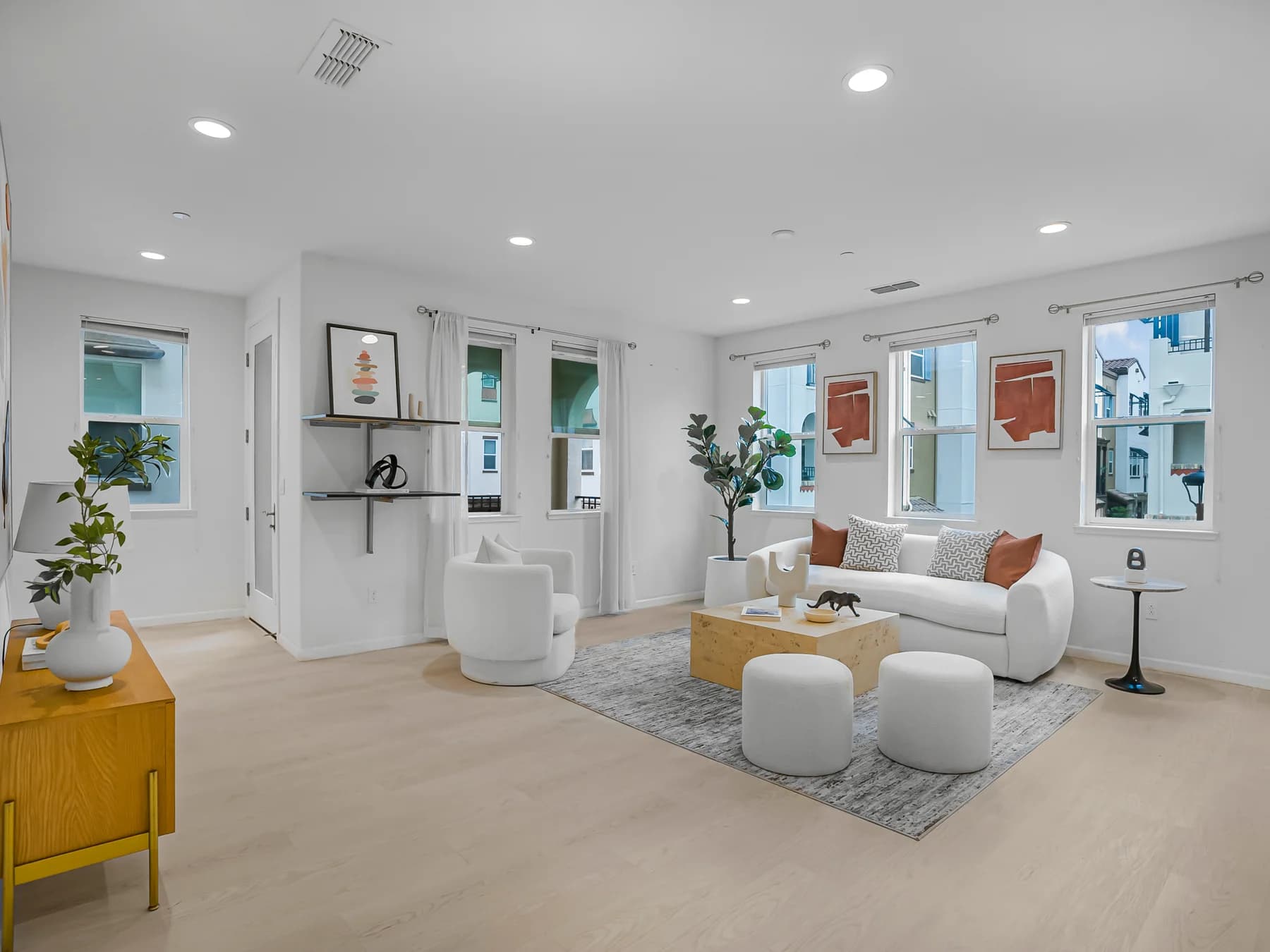
Property media / Santa Clara, CA

A clearer view.
A complete listing.

Real estate photography and videography in Santa Clara, with drone coverage, 3D tours, floor plans and the marketing pieces that carry a property from capture to launch.

Work with Thomas at San Jose Real Estate Photos to assemble the right presentation for a home, commercial space or agent-led listing. Start with what the viewer needs to understand, then choose the media that explains it.

Explore the full media menu
Selected provider portfolio01 — 03
Open-plan kitchen and dining room at San Miguel Avenue in Sunnyvale
Bright bedroom at the San Miguel Avenue property in Sunnyvale
Open living and dining room at the provider’s Montecito Vista Drive portfolio property

Portfolio examples: San Miguel Avenue, Sunnyvale, and Montecito Vista Drive. View the complete portfolio

Before the camera arrives

Good media starts with a good brief.

For a Santa Clara shoot, send the address, approximate square footage, property type and intended launch date. Explain what matters: a connected living area, a refreshed kitchen, outdoor use, office circulation or tenant-ready space. These priorities guide the capture plan and help separate essential deliverables from optional additions.

01 / ACCESS

Coordinate the visit

For an occupied property, agree on a clear appointment window with the residents. For a condominium, office or shared building, arrange entry codes, parking, lift access and permissions for common areas. Identify any spaces that must stay private. Tell Thomas about security procedures or limited access before the booking is finalized.

02 / PRESENTATION

Prepare the actual space

Clear counters and floor paths, tidy visible storage, check lighting and move vehicles away from the intended exterior views. Secure pets and finish cleaning before arrival. For video, the checklist calls for occupants off-site, with fans and screens off. Use the business’s room-by-room checklist to prepare the whole property consistently.

03 / HANDOFF

Plan the release

Allow time to receive, review and publish the ordered assets. The terms list photos by 2pm the next business day and video or 3D within 2–3 business days. Confirm the schedule for your order, including virtual edits and launch extras. Flag a deadline early and ask about available rush options.

Open the pre-shoot checklist

The media inventory

Every format has a job.

Combine services around your audience and launch plan. Confirm quantities, formats and inclusions with Thomas before the shoot.

01

HDR photography

The complete visual record

Build the listing around interior and exterior photographs that show room connections, finishes and usable outdoor space. Identify the priority rooms before the shoot so the photo sequence introduces the property clearly, from its approach to its most useful details.

02

Cinematic property films

Movement, scale and atmosphere

A property film gives viewers a guided progression through the home or commercial space. Choose a cinematic tour or discuss an agent-guided story tour. Share the features to explain, your preferred speaking role and where the finished film will be published.

03

Drone photos & video

A wider view of the property

Aerial images can connect the building, grounds and surrounding context in a way ground-level coverage cannot. Ask for stills, clips or both. Discuss flight suitability during booking; weather, airspace and safe operating conditions affect whether aerial capture can proceed.

04

Interactive 3D tours

Explore before the appointment

Zillow 3D tours help prospective visitors move through the layout remotely. The residential service page lists Zillow 3D with every package, while iGUIDE is an upgrade. Confirm the selected tour platform, hosting and deliverables so the experience fits your listing channels.

05

Floor plans & dimensions

Make the layout legible

Floor plans help viewers understand room relationships that photographs alone may leave unclear. Zillow interactive plans and iGUIDE measured plans serve different needs. Explain whether your priority is buyer orientation, documented dimensions or commercial space planning, then confirm the appropriate plan scope.

06

Custom property websites

One place for the presentation

Bring photography, film, tour links and property information into a dedicated listing destination. Prepare the address, approved description, agent details and contact path before launch. Discuss branded or other required versions and how the website will connect with your existing marketing.

07

Social reels & agent content

Introduce the listing in a feed

Vertical reels and agent introductions give a property a format suited to social viewing. Plan the opening idea, features and any on-camera delivery before filming. Confirm orientation and edit scope; a property reel, agent introduction and longer guided tour are separate creative choices.

08

Virtual presentation edits

Show a considered possibility

Virtual staging, decluttering and twilight edits offer different ways to present a photograph. Select the images and purpose with Thomas, and keep edited versions identifiable when publishing. Digital changes should support a clear presentation without obscuring the property’s actual condition or included features.

09

Listing-launch marketing

Put the assets to work

Neighborhood features and listing marketing support can extend the shoot into a more coordinated launch. Share your audience, announcement date and intended channels. Confirm which launch assets, copy or marketing add-ons belong in your order and which publishing steps your team will handle.

Scope first. Package second.

Choose for the property,
not just the package name.

The current residential lineup includes Launchpad Lite, Launchpad Essential, Social Agent and Launchpad Pro, alongside individual services. Pricing depends on property size and your selections. Compare the current inclusions and confirm which tour, film, aerial or marketing elements are included, optional or quoted separately.

Review current packages & pricing

A clear residential listing

Start with the required photo coverage and a tour that explains the layout. Add a plan, film or aerial view where it answers a specific buyer question.

An agent-led launch

Plan the property media and your on-camera story together. Discuss reels, an introduction, a dedicated website and the marketing pieces needed for launch day.

A commercial assignment

Use the Commercial booking path for interiors, exteriors, aerials, iGUIDE or measured plans. For construction progress or recurring documentation, define the visit schedule and reporting views in a custom brief.

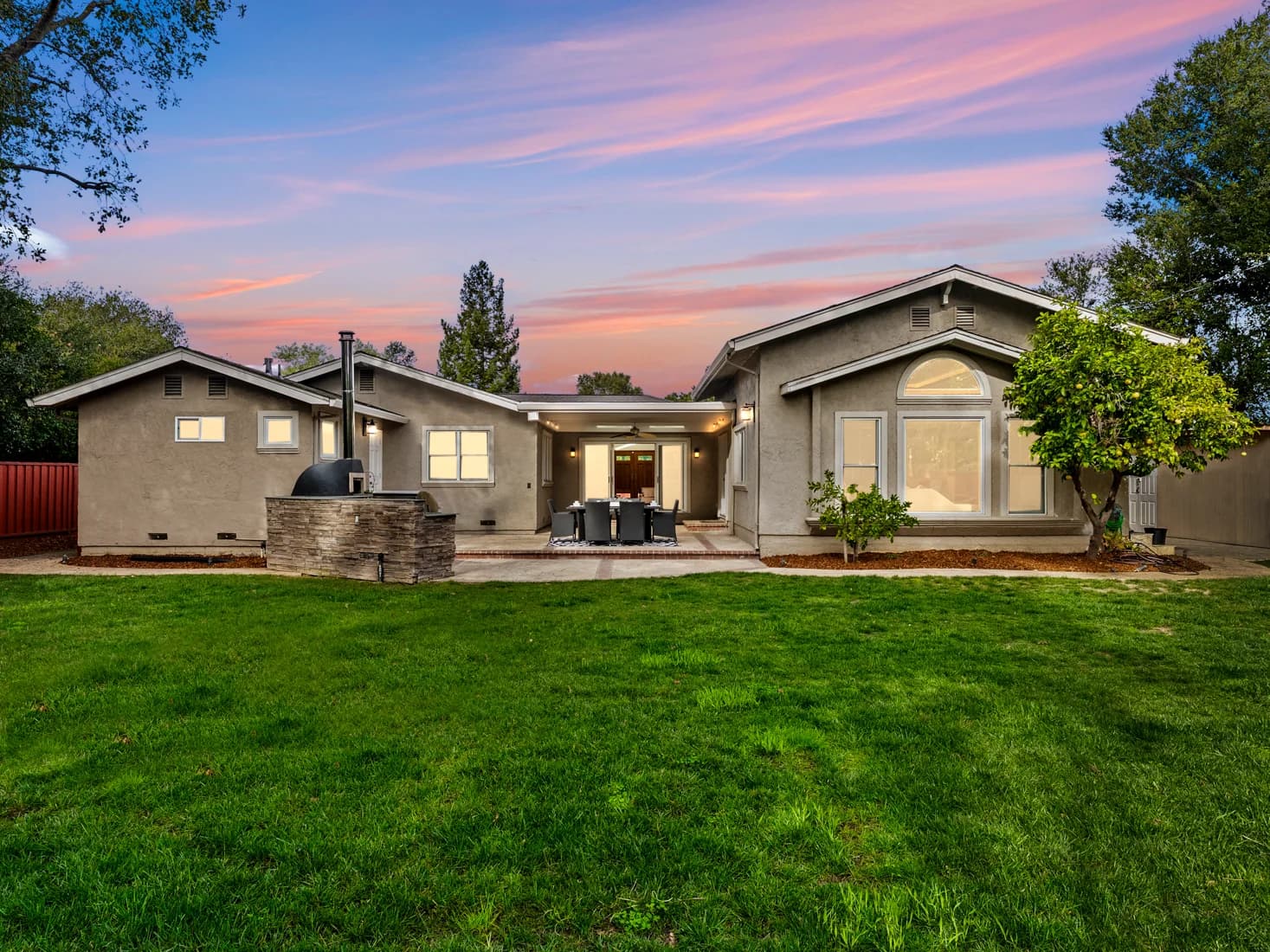
Twilight backyard photography at Deodara Drive in Los Altos
Portfolio / Deodara Drive, Los AltosExplore photos, films & reels

Beyond the listing

Keep your agent voice
in the conversation.

Social Launchpad is a separate ongoing content service for agents who want a regular presence between property launches. It covers topic research, scripting, Riverside teleprompter recording, editing, captions and delivery. Optional distribution and batch filming can be discussed separately.

Use a strategy call to explain your audience, topics and recording routine. A recurring agent-content plan has a different brief from a single listing reel; confirm the monthly scope and publishing responsibilities before you begin.

Useful answers

Before you book.

These details help you scope a Santa Clara appointment. For property-specific requirements, contact Thomas directly.

info@sanjoserealestatephotos.com
Can I book photography alone, or do I need a package?

The official pricing page lists individual services as well as residential packages. Photography alone may suit a simple brief; a package can combine the media needed for a broader launch. Send the property size and requested deliverables to Thomas, and review the current order before choosing.

Is Santa Clara inside the service area?

Santa Clara is part of the business’s stated coverage, alongside San Jose and Milpitas. The approximately 10-mile radius around San Jose is a flexible planning estimate. Share the exact shoot address so Thomas can confirm scheduling, access and any travel considerations for that property.

How should I arrange a shoot in an occupied home or shared building?

Agree on access with the occupant and arrange keys, parking, entry codes and any building permissions before the appointment. Tell Thomas about lifts, reserved amenities and restricted areas. The published checklist asks occupants to be off-site for video shoots, so plan a suitable window with everyone involved.

What is the difference between Zillow 3D and iGUIDE?

The residential offering lists Zillow 3D and interactive floor plans, with iGUIDE available as an upgrade for measured plans and dimensions. Choose according to how viewers need to explore or understand the space. Confirm the current platform features, measurement scope and hosting terms directly when ordering.

When will the finished photos, video and 3D tour be ready?

The published terms state photo delivery by 2pm the next business day and video or 3D delivery within 2–3 business days. Discuss your go-live date before booking and confirm timing for your chosen edits and extras. Ask about rush options if the usual schedule does not fit.

Do you photograph commercial properties as well?

Yes. Commercial services include interior and exterior photography, aerial coverage, iGUIDE, measured plans and construction progress documentation. Use the Commercial booking path or discuss a custom brief with Thomas. Specify the spaces, intended audience, access restrictions and whether the work is one visit or recurring documentation.

Can I add drone coverage or virtual staging after selecting a package?

Discuss add-ons before the shoot so the capture plan and quote include the right inputs. Aerial work depends on operating conditions, and virtual edits need suitable source photographs. Confirm the selected images, edit purpose and delivery date; availability or inclusion should not be assumed from a package name.

Who handles publishing and usage of the finished media?

Confirm the handoff and publishing responsibilities in your order, especially for property websites and marketing add-ons. The published terms retain copyright with the provider and license client usage after payment. Read the current terms for your intended use and ask about uses beyond the agreed listing or project scope.

Your next property / Santa Clara

Tell Thomas what
you’re bringing to market.

Share the address, size, access plan and target release date. Choose Residential or Commercial in the booking portal, then confirm your media scope and current terms. Coverage includes Santa Clara, San Jose and Milpitas, with an approximate, flexible 10-mile area around San Jose.

Open shoot booking

Direct contact

408-483-0688info@sanjoserealestatephotos.com

Residential media, commercial assignments and ongoing agent content.