
01
Show the property
HDR photos + a property film
Use still images for an easy first look and a film when movement helps explain the spaces. Specify the features you want to feature rather than adding every available format automatically.
Milpitas, California
A useful listing starts with a clear plan. Bring photography, films, aerials, 3D tours, floor plans and marketing together around the property you are presenting and the audience you want to reach.
Residential listings, commercial spaces and agent content.
Book directly with San Jose Real Estate Photos.
Choose by purpose
The right mix follows your brief. These combinations are starting points for a conversation, with the final inclusions confirmed in your order.
01
HDR photos + a property film
Use still images for an easy first look and a film when movement helps explain the spaces. Specify the features you want to feature rather than adding every available format automatically.
02
3D tour + the right floor plan
Give viewers a way to investigate how rooms connect. If dimensions are important to your purpose, discuss measured plans and the iGUIDE option before selecting a tour or package.
03
Property website + reels + marketing
Choose a destination for the complete listing and supporting content for the channels you will use. Agree on the launch sequence, agent details and required materials before the shoot.
The complete service menu
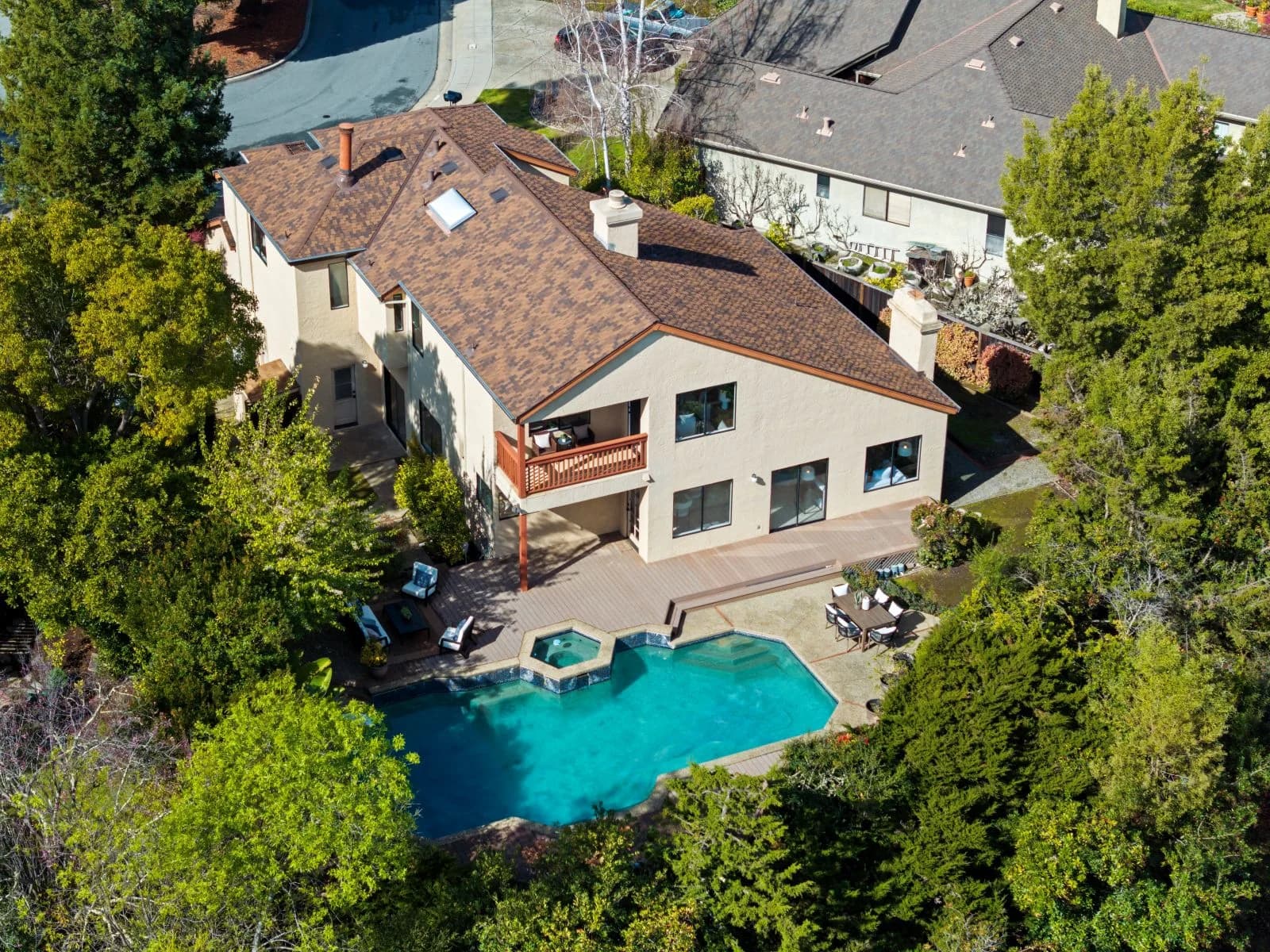
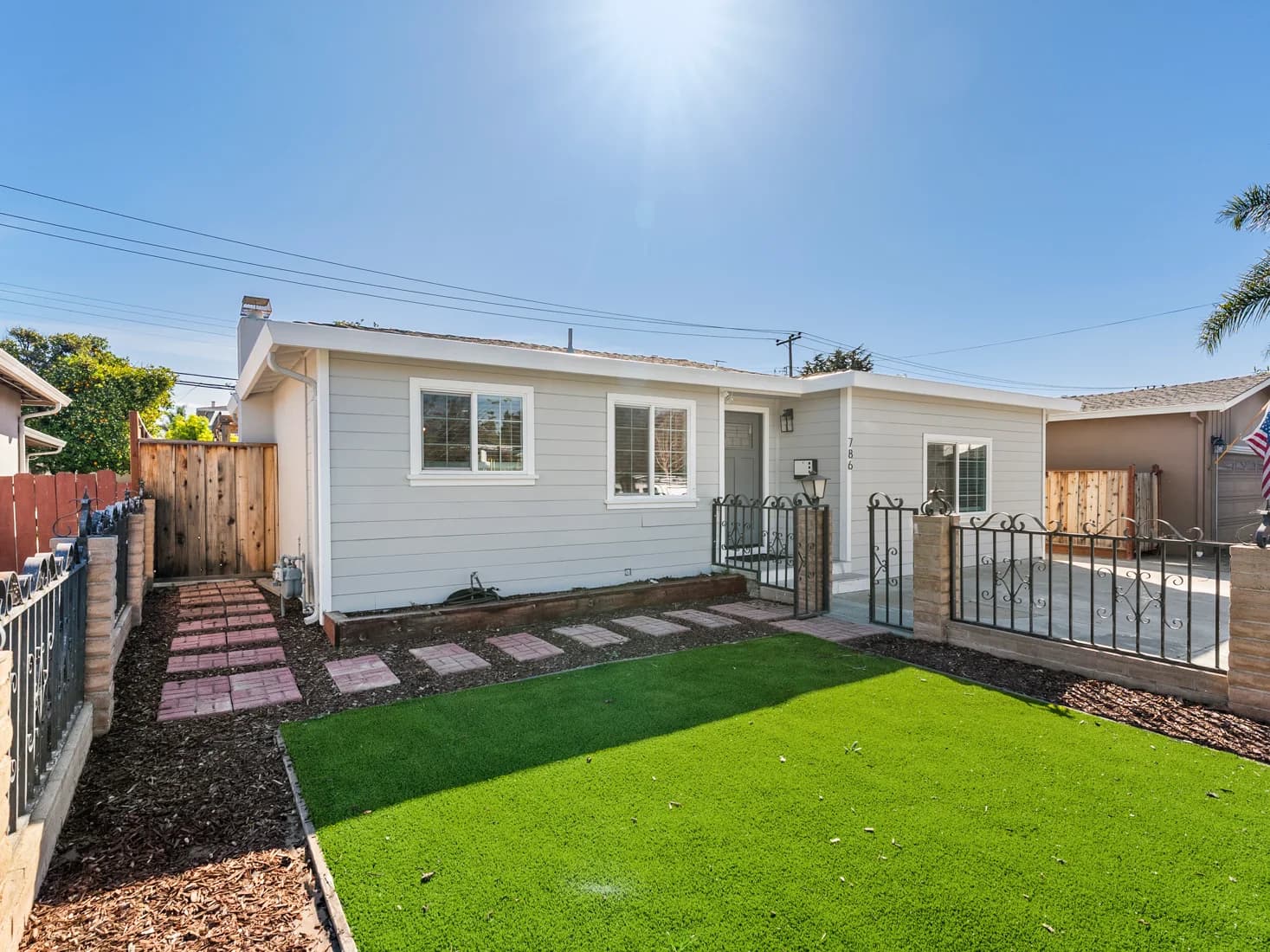
Give buyers a clear view of the property through interior and exterior listing photographs. Plan the essential rooms, outdoor spaces and details in advance, so the shoot reflects the spaces you need to explain.
Use a cinematic property film to introduce the home in motion, or discuss an agent-guided story tour. Choose the story, featured spaces and on-camera involvement before filming, with the intended viewing channel in mind.
Add an aerial perspective when it helps communicate the property and its surroundings. Photography and video clips are available; the final flight plan depends on the address, conditions, permissions and safe operation on the day.
Help viewers explore the layout through Zillow 3D and interactive plans. Discuss an iGUIDE upgrade when measured plans and dimensions matter. Confirm the selected tour system, deliverables and measurement needs when you order.
Bring photographs, films and property information into a dedicated listing destination. Decide which assets and contact details belong on the site, then use the property link consistently across your launch materials and conversations.
Create vertical social reels, agent introductions and property-focused content for your launch. Discuss who will appear, the message and the intended platforms, so the filming plan accounts for both the property and your presentation.
Virtual twilight, staging and decluttering can support selected images. Agree which photographs need edits and how the finished versions will be used. Keep original images available and identify virtual changes appropriately wherever the media is published.
Extend the shoot into a coordinated launch with listing-marketing support and neighborhood features. Review the actual materials in your chosen package and supply accurate property information, agent branding and the publication schedule before production begins.
See the work
Explore genuine photographs from the business portfolio, then discuss the style and coverage your Milpitas property needs. Captions identify the published project; these examples illustrate the work available across the wider area.
More photographs, films & reels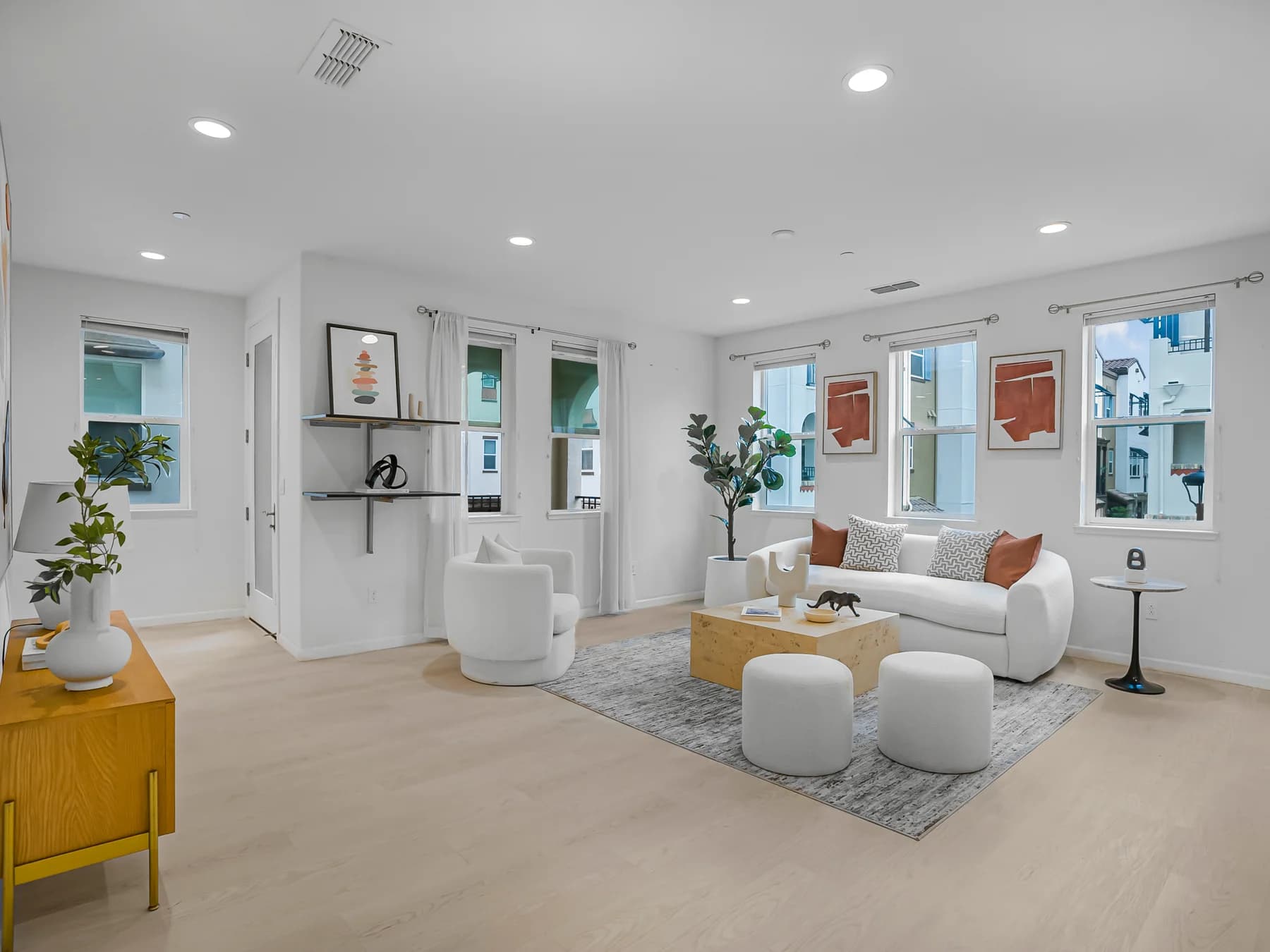
Residential
Start with the rooms, exterior features and layout that need to be understood. For a home, condo or townhome, share access instructions and tell Thomas about occupied rooms, shared areas or spaces that must be included. Add agent content or virtual edits where they serve the launch.
Choose from Launchpad Lite, Launchpad Essential, Social Agent and Launchpad Pro, or discuss individual services. Package scope and pricing vary with the property; check the current selection and upgrades before booking.
Book residential mediaCommercial
Commercial media supports brokers, owners, builders, contractors and asset managers. Interior and exterior photography, aerial coverage, commercial iGUIDE and measured plans can be discussed around the site’s use and the information your audience needs.
For construction progress or recurring documentation, define the areas to capture, visit schedule and project contact. Supply site restrictions and access requirements early. The booking system has a separate Commercial path for this work.
Discuss commercial coverageFrom listing to launch
Photographs, video, tours and a property website work best with a publication plan. Bring your listing details, agent contact information and brand assets, then decide which channels need complete property coverage and which need a short introduction.
Discuss listing-launch marketing, neighborhood features and the reels or agent introductions you want produced. Keep the deliverable list specific: the selected property-shoot assets should match your launch date and the materials you will actually publish.
Plan the appointment
Set the shoot date with the finished-media schedule in mind. Confirm the property and your selected services before coordinating cleaners, occupants, access and the listing launch.
Read the pre-shoot checklistSend the address, property size, selected services and preferred date. Identify entry instructions, parking, building rules and any rooms or exterior features that must be captured. For agent video, agree on the message and on-camera plan.
Use the official checklist to declutter, arrange lighting, remove distractions and clear the exterior. Secure pets. The video checklist asks for occupants to be off-site and fans and screens to be off; organize those details ahead of the visit.
The published terms specify photographs by 2pm the next business day and video/3D within 2–3 business days. Confirm your deadline and any rush request when booking. Review the terms for payment, changes and client usage before ordering.
Milpitas service coverage
Plan your Milpitas shoot with Thomas. Service also covers San Jose and Santa Clara, with a flexible area of approximately 10 miles around San Jose. Send the property’s exact address to discuss scheduling, travel and any site-specific requirements, especially when aerial work or multiple visits are part of the brief.
Before you book
Yes. Milpitas is part of the confirmed service area. San Jose Real Estate Photos works around San Jose with an approximately 10-mile service area and flexibility. Share the exact property address, access arrangements and preferred date so Thomas can confirm the visit and the services you need.
Start with your publication plan. Individual services suit a defined requirement, while a package can coordinate several listing assets. The current lineup includes Launchpad Lite, Launchpad Essential, Social Agent and Launchpad Pro. Compare the live inclusions, property-size selection and optional upgrades on the official pricing page before choosing.
The residential service page lists Zillow 3D tours and interactive floor plans, with Zillow 3D included in every residential package. iGUIDE is an upgrade with measured plans and dimensions. Tell Thomas what you need to show or measure, then confirm the system and final files in your order.
The published terms state photograph delivery by 2pm the next business day, with video and 3D delivery within 2–3 business days. Plan your launch around the relevant deliverables and confirm the schedule when booking. Ask about rush options before assuming every asset will arrive with the photographs.
Follow the official pre-shoot checklist: declutter rooms, prepare lighting, clear exterior areas, secure pets and arrange access in advance. For video, the checklist calls for occupants to be off-site and fans and screens to be off. Share entry instructions and any building or property restrictions before the shoot.
Yes. The commercial offering includes interior and exterior photography, aerial coverage, commercial iGUIDE, measured plans and construction-progress documentation. Custom and recurring work can be discussed. Use the Commercial path in the booking system and explain the site, intended audience, access limits and documentation schedule.
Social Launchpad is a separate ongoing agent-content option. It includes topic research, scripting, teleprompter recording, editing, captions and delivery. Optional distribution and batch filming are separate services. A listing shoot may include selected reels or agent content, so confirm those deliverables independently from an ongoing content plan.
Confirm aerial suitability for the exact address, along with access, weather considerations and the shoot scope. The published terms describe cancellation and rescheduling requirements, potential additional charges and licensed client usage after payment. Read the current terms before ordering, and discuss any unusual usage or scheduling need directly with Thomas.
Your next listing starts here
Book your Milpitas residential or commercial shoot directly, or contact Thomas to work through the services, access and launch schedule.